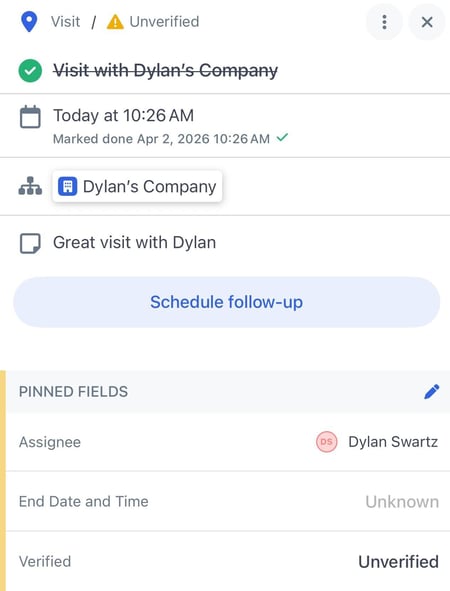
Activity pinned fields give users the ability to access critical activity data and next steps faster when viewing or managing activities — both in the field and on the web. This feature mirrors pinned fields on records, but applies to Activity objects so users can quickly see the most important activity details at a glance.
Activities are one of the most frequently used objects in Map My Customers, but activity details are often buried behind multiple taps or clicks — especially when users are quickly logging, reviewing, or following up on work in the field. This creates friction for reps doing quick reviews before a meeting or visit
To use activity pinned fields:
- Select a Company with logged Activities.
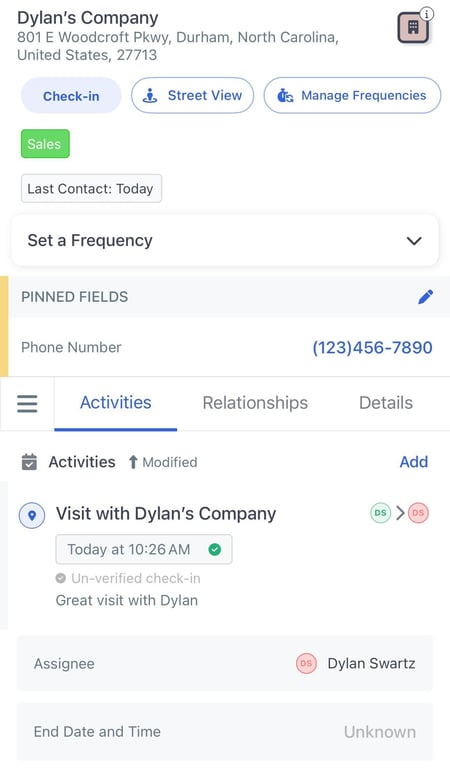
- Tap on the desired Activity.
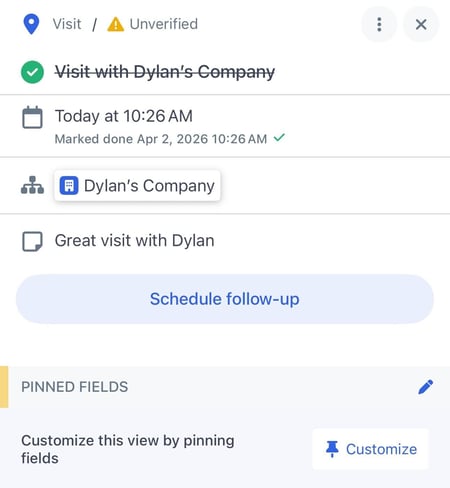
- In the PINNED FIELDS section, tap on Customize.
- You can view your currently Pinned Fields or tap Select Fields to edit your pinned fields.
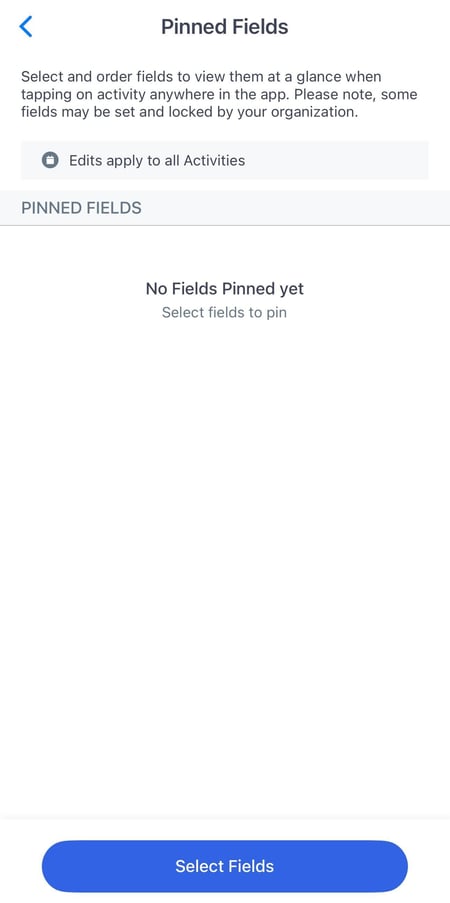
- Select the desired fields from the available categories and tap Save.
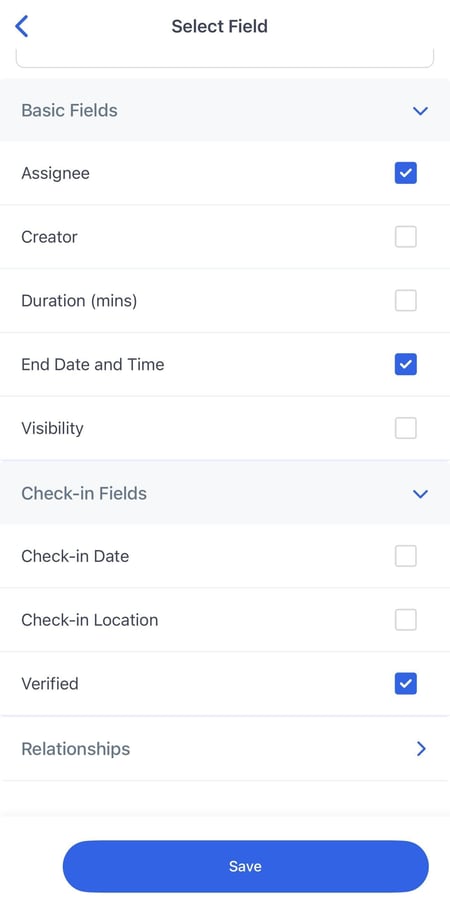
- Click the back arrow (<) to return to the activity view where your pinned fields are now displayed.