
MMC offers a web based desktop version along with a mobile app experience. Your MMC username will be the email that was used to create your MMC account. Upon being added to MMC as a user, you will see an invitation to set up your password. Additional password set up instructions can be found here!
Map My Customers securely stores all of your customer information in an environment that is available anywhere you have internet access.
Logging in to Map My Customers from your mobile device:
To access MMC on the mobile app, download the iOs or Android app depending on your device:
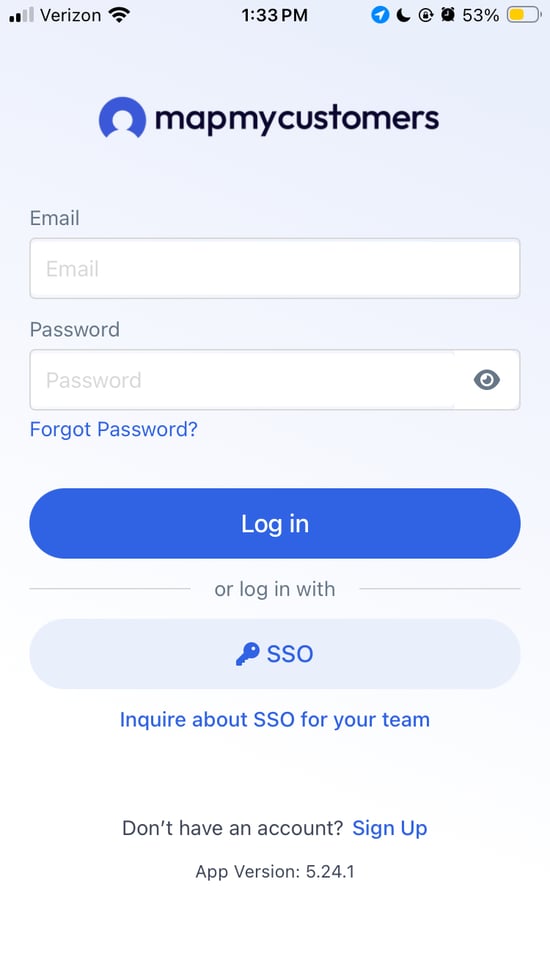
To log in to Map My Customers from your phone or tablet, open the application.
Enter your email and password and select the blue Log in button
Logging in to Map My Customers from your web browser
If your account has already been made by the Map My Customers team, you can log in any time by clicking the “Login” button on our home page

You can also log in directly here.
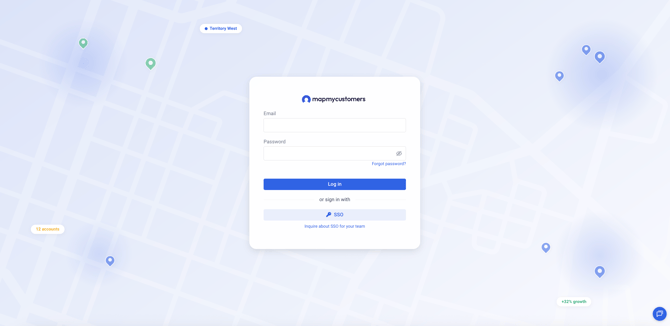
To log in to Map My Customers, simply enter your email and password
If you’ve forgotten your password to Map My Customers:
We know it’s tough to manage all your passwords. If you have forgotten your password, click “Forgot password?” below the Password field
From here, simply enter your email address and we’ll send a link to reset your password.
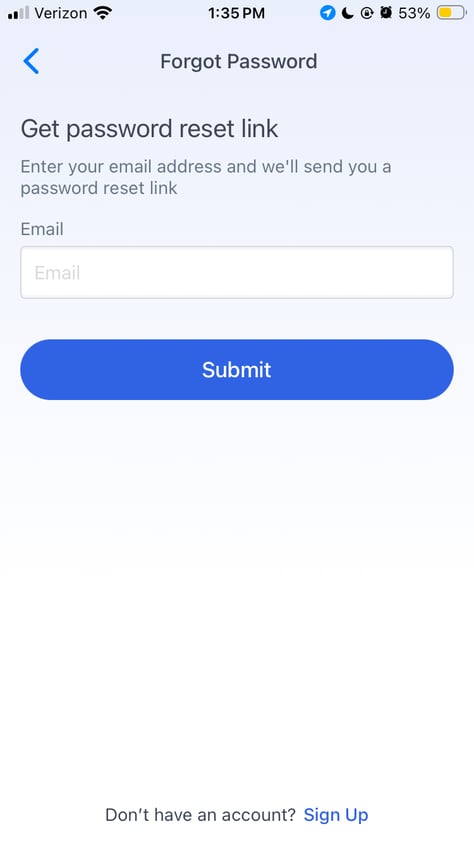
If you’ve forgotten your email or do not see the link in your inbox / spam folder, please contact support via email at support@mapmycustomers.me
If you company uses SSO and you would like to get MMC connected to your single sign on environment - please reach out to your Account Manager or the MMC Support team to see if your plan is eligible to use SSO.