
Thank you for selecting Map My Customers! We’re so excited for you to dive in and explore the sales tool built to simplify your day-to-day so you can:
Visualize your customers on a map: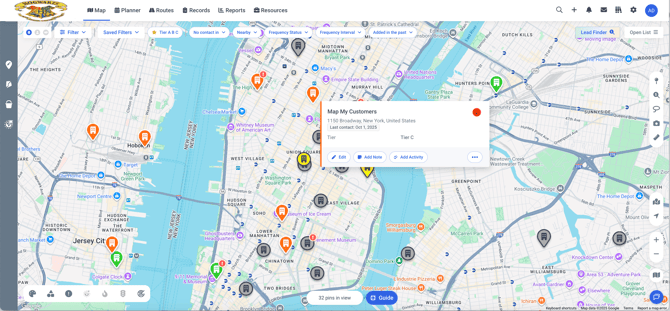
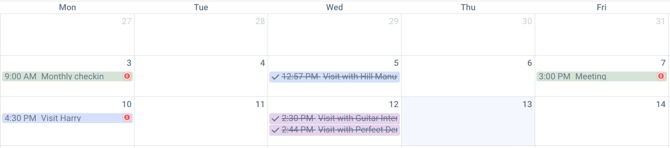
Manage your daily tasks with activities
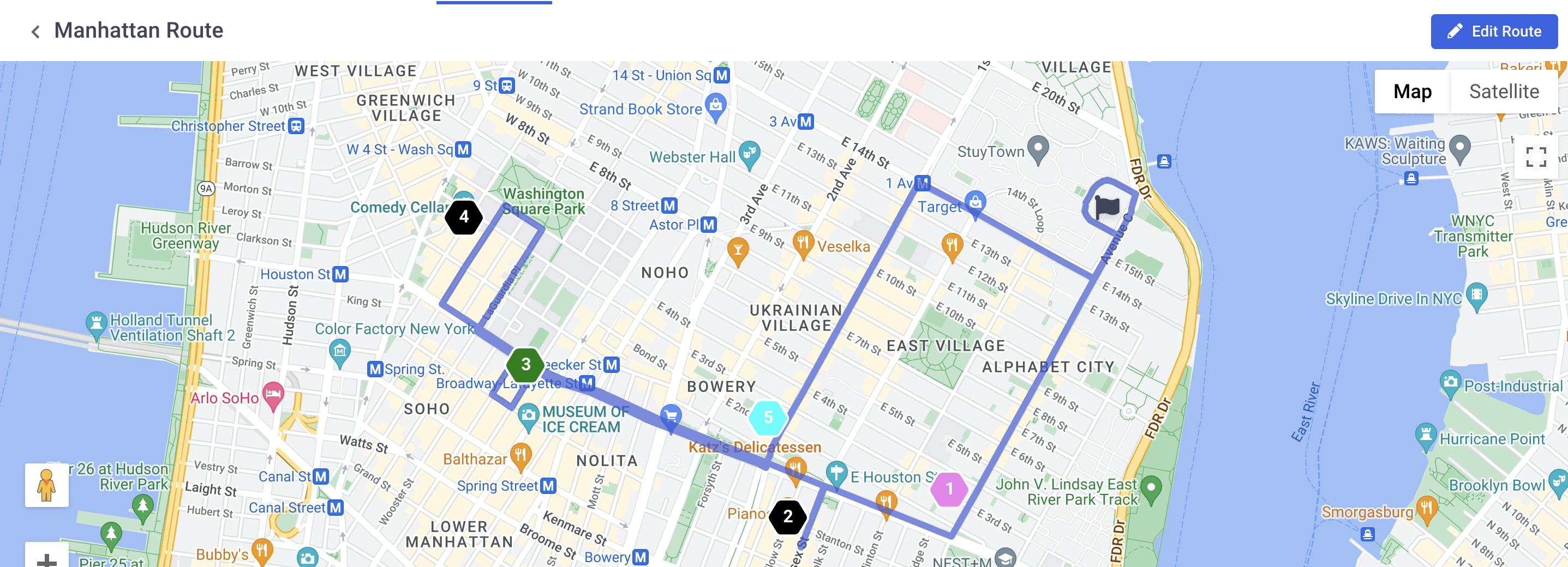
Create optimized routes to customers
Keep on top of your deals

And get insight into your team’s performance with reports
Getting Oriented
First, you'll want to log in and here you can get some helpful navigation guidance to orient yourself.
Are you new to CRMs (Customer Relationship Management tools) or are you ready to start populating records into Map My Customers? Check out our breakdown of how data is organized in Map My Customers.
Setting Up
Have a team, or want to invite other users to the platform? Check out Organization Management to learn how to get the application set up for you and your team to be most successful. You don’t need to set up more users right away though!
To get a feel for the system, you should create some records . You might want to manually create a few Companies with addresses so you can see those on the Map .
In case you want to add more fields (usually industry-specific or process-specific fields), you can do so using Manage Fields. The number of custom fields you are able to create is depending on your MMC plan.
As you import data in, remember that you can always export your data back out of MMC as well
Getting Help
You can review the Web App Support section of Knowledge Base or the Mobile App Support section, which respectively cover all of the features of Map My Customers. As you use the platform you will probably want to return to these to make sure that you're getting the most out of your subscription!
You can also reach out to our support team at any time, by either sending an email to support@mapmycustomers.com or hitting the "Help" chat button right corner of the Web application.